Wireless Access Points
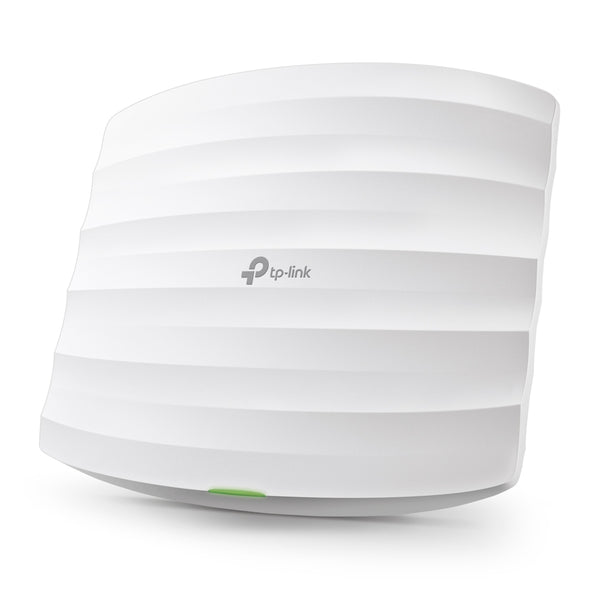
TP-Link EAP225 Ceiling Mounted WiFi 5 Access Point
Low stock — only 4 left
£66.93£80.32 exc VATinc VAT
 1 / 4
Trade account? Log in for your price
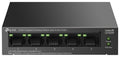
The TP-Link LS105GP is a five-port Gigabit PoE switch from the LiteWave series — the plug-in-and-forget answer for powering a couple of access points, IP cameras or IP phones where there is no mains socket nearby. It requires no configuration at all: connect your devices and the switch automatically detects and powers any IEEE 802.3af/at compliant powered device.
Because data and power travel down the same cable, you can put equipment exactly where it works best — an access point such as the TP-Link EAP225 on the ceiling, or a camera at the eaves — without an electrician. Need more powered ports? The LS108GP and LS1210GP extend the same LiteWave simplicity.
No. LiteWave PoE switches are unmanaged: there is no interface to set up. Plug devices in and the switch handles PoE detection and switching automatically.
Any IEEE 802.3af/at compliant powered device — typically wireless access points, IP cameras and IP phones. Non-PoE devices connect safely on the same ports for data only.
Yes — the power adapter ships in the box with the installation guide.
If you simply want to add powered ports, unmanaged is the low-cost, zero-effort option. Choose a smart switch such as the SG105PE if you need VLANs, QoS or monitoring.
Powering cameras or access points? Call 0333 242 1314 or email sales@clisecure.com and we will size the switches, access points and PoE budget before you order.
| Ports | 5 × Gigabit RJ45 |
|---|
| PoE standard | IEEE 802.3af/at, automatic PD detection |
|---|---|
| Power supply | External adapter, included |
| Management | Unmanaged — no configuration required |
|---|---|
| Typical use | Powering APs, IP cameras and IP phones |
| Brand | TP-Link |
|---|---|
| Part number | LS105GP |